









Tristan Heron
Empowering Educators to Master Educational Technology and Grow Their Professional Practice.
With Evolve EdTech and the Empowered Educator Hub — I help educators confidently embrace educational technology to create engaging, future-ready classrooms without the overwhelm.

MEET TRISTAN
A teacher who gets it — because he's still in it.
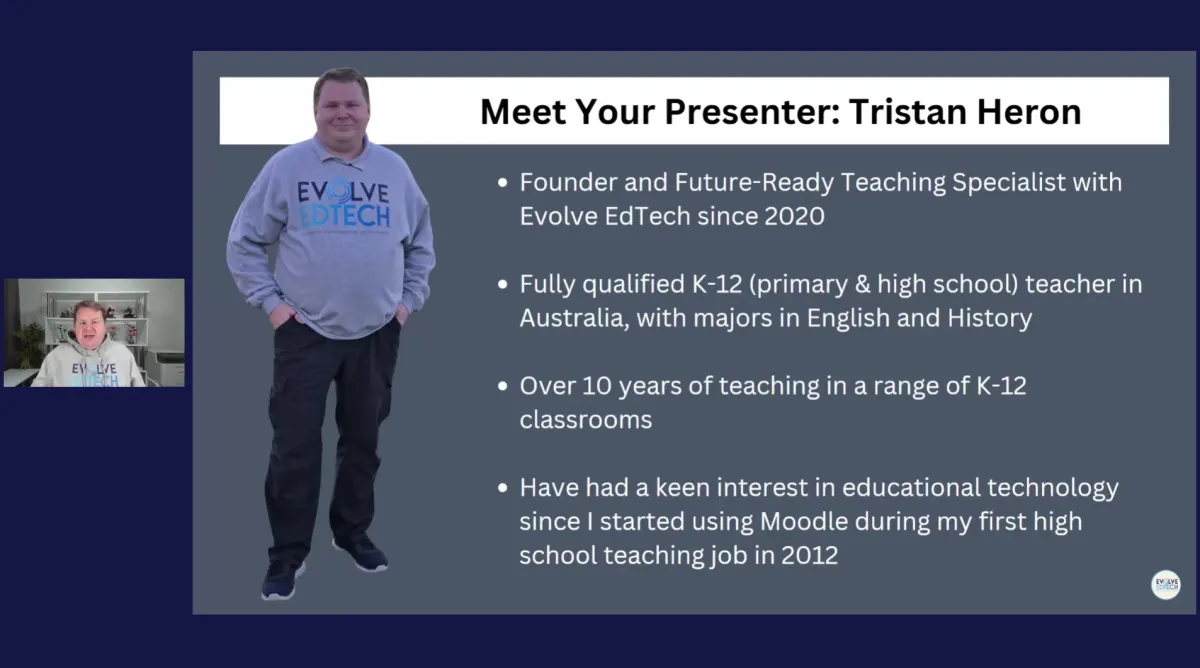
Hey, I’m Tristan Heron — an Education Innovation & Growth Specialist and the founder of Evolve EdTech and the Empowered Educator Hub.
I’ve been teaching in primary and secondary schools since 2011, and I understand the realities of busy, complex classrooms. My passion for educational technology began early in my career, when I saw how the right tools could strengthen engagement and learning — not replace good teaching, but support it.
That led me to found Evolve EdTech and build the Empowered Educator Hub — a professional learning space built to help educators grow their skills, their confidence, and their impact inside and beyond the classroom.
Education is evolving. I’m here to help you lead it with clarity and purpose.

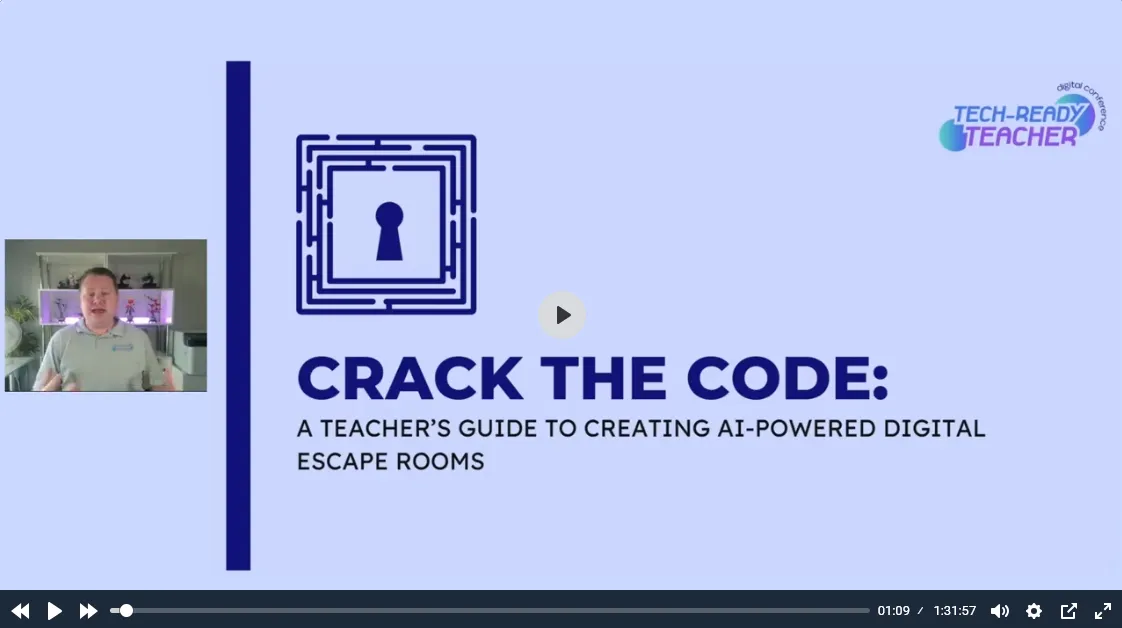
WHAT YOU'LL GET
Everything you need to take your next step.

Practical, easy-to-follow video content on the tools and strategies that matter most.

Your professional learning home — structured, community-driven, and built around teaching life.

Ready-to-use templates designed specifically for teachers and education entrepreneurs.

Guides, tools & tips for the tech-confident classroom teacher.

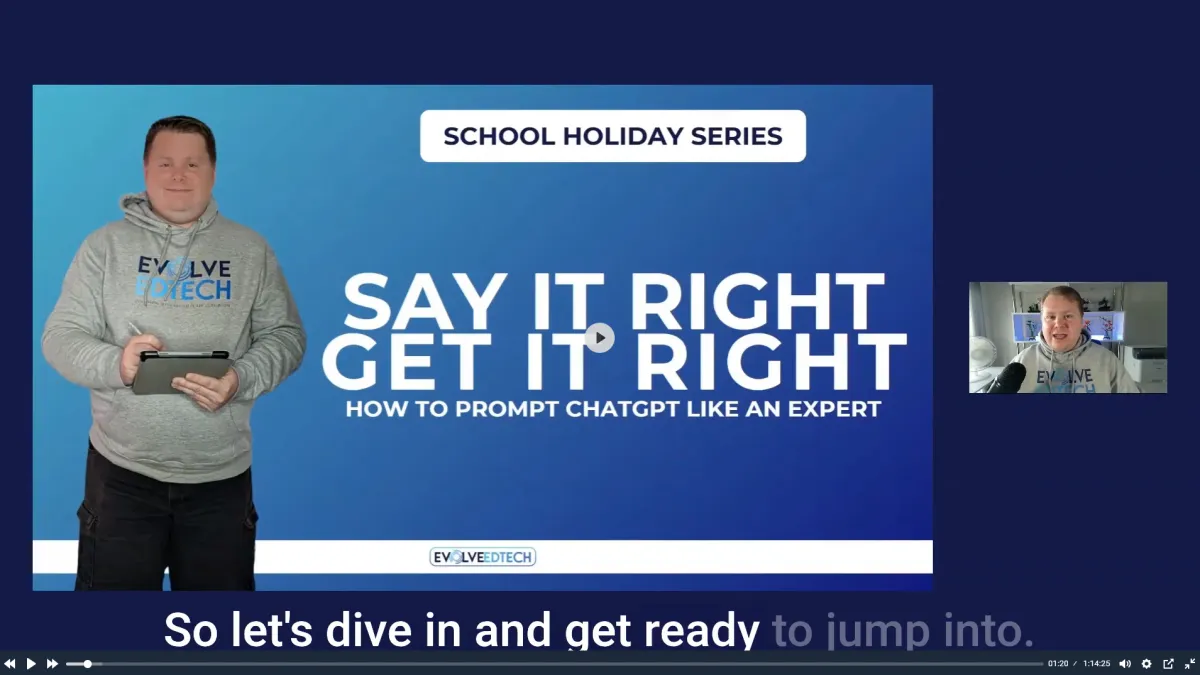
Join Tristan and the community at live online events & workshops.

Explore regular articles on EdTech, the future of teaching, and building your educator brand.
WHAT EDUCATORS ARE SAYING
Real stories from real educators.
THE EMPOWERED EDUCATOR HUB
Your professional learning home — built for educators like YOU.
Structured EdTech learning, a community of educators who get it, and content that actually fits around a full-time teaching life. One pathway, your pace, zero overwhelm.

The Evolve EdTech Pathway
Eight distinct learning modules that take you from EdTech essentials through to leaving a lasting legacy in your community.

A Community Who Gets It
Connect with educators who understand the job, the pressures, and what purposeful EdTech actually looks like in a real Australian classroom.

Self-Paced. No Lock-In. Cancel Any Time
Work through it at holidays, lunch breaks, or in five-minute bursts during term. No pressure, no penalty, ever.
INSIDE THE EMPOWERED EDUCATOR HUB:
8 distinct learning areas
Monthly edtech masterclass
Previously recorded workshops
Editable digital templates
Exclusive educator community
New content added regularly
FREE RESOURCES
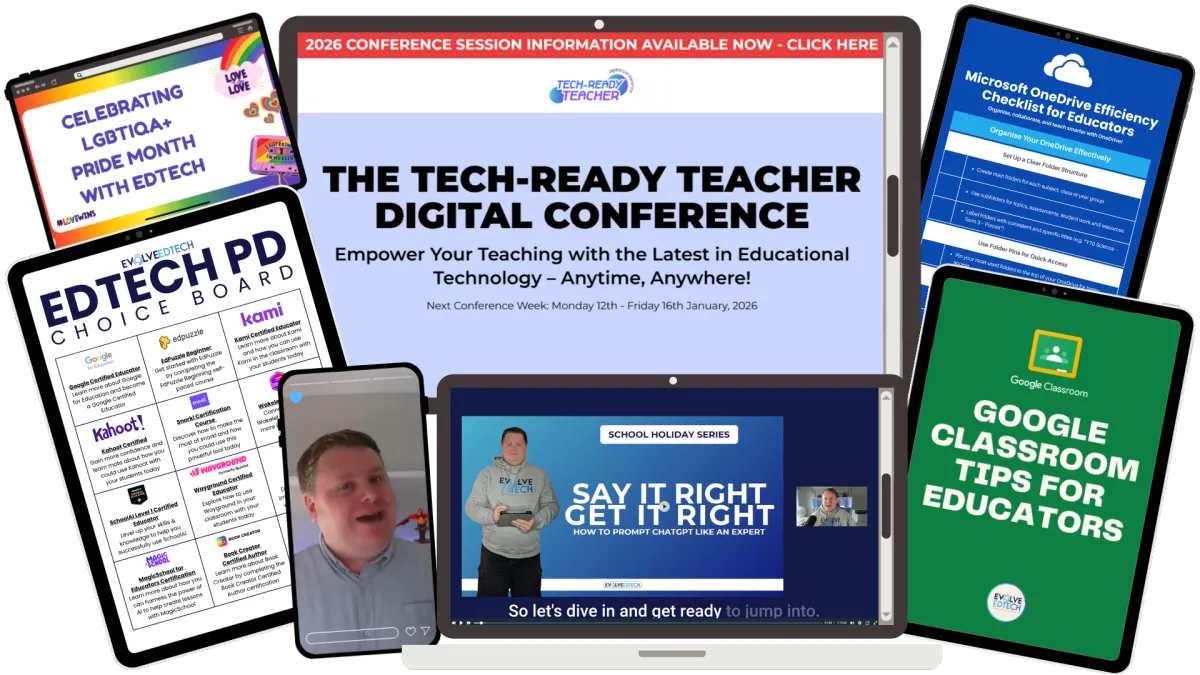
Not sure where to start? Begin here — for free.
Access a growing library of free EdTech guides, training, templates, and tools — built specifically for classroom teachers. No credit card. No catch. Just useful stuff.
LATEST FROM THE BLOG
Ideas and insights for educators who are ready to evolve.
Free Classroom Templates for Teachers: What They Are and How to Use Them
Free Classroom Templates for Teachers: What They Are and How to Use Them
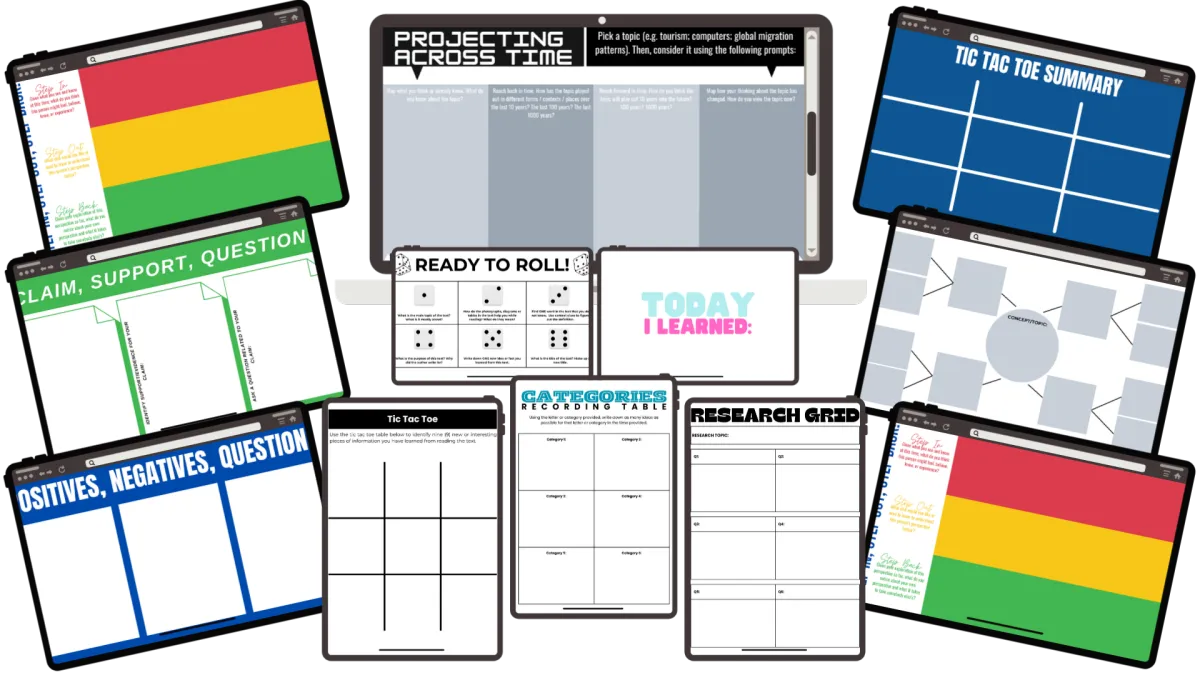
You do not need to build another resource from scratch this term. We have put together a full library of free classroom templates for teachers, and every single one is ready to download today.
We know what a Sunday night lesson-planning spiral looks like. There is a lesson to plan, a stack of marking waiting, and not much appetite left to design a worksheet from a blank page. That is exactly the gap these templates are built to fill, and they are sitting there free, right now, ready to grab.
Quick Answer
Tristan Heron's everyday digital templates are free, ready-to-use classroom resources available as PDF downloads. There are over 80 to choose from, covering everything from goal-setting sheets to reading comprehension activities. Each one can also be unlocked as an editable Canva or Google Docs file for $2 AUD, or accessed in full as part of the Empowered Educator Hub membership.
VIDEO: Everyday Digital Templates walkthrough
What Are the Everyday Digital Templates?
These sit alongside two other options on the Digital Templates page: template bundles and premium templates. The everyday templates are the simple, grab-and-go option.
Most are built in Canva. Some, like the word value shopping activity, are Google Docs files instead. Every one of them is designed to be used in a real classroom on a real Monday, not admired from a distance.
Every template is free to download as a PDF, and it always will be.
How Do the Three Template Options Compare?
The Digital Templates page is split into three tiers, and it helps to know which one you actually need before you start browsing.
Template bundles: a themed collection of related templates grouped together for a specific purpose
Premium templates: fully customisable Canva resources built for teachers who want a polished, ready-to-brand option from the start
Everyday templates: the simple, ready-to-use resources covered in this post, free as PDFs with an optional editable upgrade
If you just need something printed and in front of students by tomorrow, the everyday templates are the fastest path. If you are building out a whole unit or want something on-brand for your school, the bundles or premium options might suit better.
How Do You Download a Free Template?
The process is the same for every single one:
Choose a template on the Digital Templates page
Click the free PDF button
Enter your first name and email address
Submit the form
Check your inbox for the download
Use an email address you actually check. That is where your template lands.
There is one catch worth knowing before you start clicking through the library. Each template has to be requested separately, so if you want five templates, you will fill in the form five times and receive five separate emails. It is a limitation of the back-end system, not something we can bundle on our end, so plan for a few extra minutes if you are stocking up.
What If You Want to Edit a Template?
The free PDF is fixed. If you want to change the wording, swap a colour, or adjust the font to match your own classroom style, you will need the editable version.
Every template on the page has a second button for exactly this: purchase editable access. Click it, fill in your details again, and choose a payment option. You will notice a few local payment methods like Afterpay or Zip. These are geo-based, so do not worry if they look different depending on where you are.
Once payment goes through, the editable link (Canva or Google Docs, depending on the template) is emailed to you within minutes.
The payment options shown will depend on where you are based. Local options like Afterpay, Klarna, or Zip are shown automatically depending on your location, so do not worry if the checkout looks slightly different to what a colleague overseas might see. It is not a sign anything has gone wrong, just a normal part of how the checkout is localised.
How Much Does an Editable Template Cost?
Editable access is $2 AUD per template.
That is the price to unlock full editing rights on any single template in the everyday collection, whether you are changing the branding to suit your school or rewriting the prompts for a specific unit.
Is There a Cheaper Way to Unlock All of Them?
If you are eyeing off more than a handful of templates, buying them one at a time adds up. This is where membership of the Empowered Educator Hub changes the maths.
Every editable template link, across the entire everyday collection, is already included as part of the Hub. Based on current pricing, that works out to roughly a $160 AUD saving compared to purchasing each one individually. If you are already using more than a handful of these templates across the year, it is worth doing that comparison for your own classroom before you buy them one by one.
What Kind of Templates Are Actually in the Library?
At the time of recording, there were more than 80 templates available, spanning practical, everyday classroom needs rather than one-off novelty resources. Two examples pulled straight from the walkthrough:
Quick Questions template: a fast formative check-in for the start or end of a lesson
Categories Recording Table: a structured activity for sorting and recording information, useful across subjects
Both follow the same access pattern: free PDF first, editable upgrade if you want to make it your own.
Beyond those two, the broader library covers goal-setting sheets, student profile pages, vocabulary-building activities, persuasive writing scaffolds, weekly reflection journals, and reading comprehension tasks. With more than 80 templates in the collection, most core classroom routines are covered without needing to search anywhere else first.
These templates are built for a Monday morning, not a design portfolio.
How Does This Fit Into a Busy Teaching Week?
Practical over perfect is the whole point here. A free PDF you can print in the next five minutes will do more for your week than a beautifully designed resource you never got around to building.
Start with the free version. If a template earns a regular spot in your rotation, that is the moment to consider the $2 AUD editable upgrade, not before. No fluff, no gatekeeping, just the next template you actually need.
Whichever template you land on first, the process stays the same: download it free, use it, and only pay if it genuinely earns a permanent place in your teaching.
Key Takeaways
Every everyday template is free to download as a PDF, permanently
Editable Canva or Google Docs access costs $2 AUD per template
Templates must be requested one at a time due to a back-end system limitation
Empowered Educator Hub members get every editable template included, saving roughly $160 AUD
The full library sits on the Digital Templates page alongside template bundles and premium templates
FAQ
Are the classroom templates really free? Yes. Every everyday template is available as a free PDF download, and that will not change. You only pay if you want the editable version.
Do I need a Canva account to use these templates? Only if you want to edit one. The free PDF version can be downloaded and used or printed without any Canva login. The editable version opens as a Canva or Google Docs link, depending on the template.
Why do I have to fill in a form for every template? It comes down to a limitation in the back-end delivery system. Bulk requests are not currently supported, so each template is requested and delivered separately.
Is the Empowered Educator Hub worth it just for the templates? If you are regularly using more than a few editable templates across the year, the membership works out cheaper than buying them individually, and it comes with the rest of the Hub's resources on top.
Will the free templates ever start costing money? No. The free PDF versions are, and will remain, free. The $2 AUD charge only ever applies to unlocking the editable Canva or Google Docs version.
Where do I find the full template library? Everything lives on the Digital Templates page, split into template bundles, premium templates, and the everyday templates covered here.
Ready to Build Your Template Library?
Head over to the everyday templates and start with whichever one solves this week's problem first. Download it free, and if it earns a permanent spot in your teaching, unlock the editable version for $2 AUD.
What is the one classroom template you use so often you would pay more than $2 for it? Tell me in the comments.
Tristan

JOIN THE COMMUNITY
Join thousands of educators in the know.
Get the latest EdTech insights, classroom strategies, free resources, and community updates delivered straight to your inbox. No spam



© Copyright 2026 Tristan Heron Education Group. All rights reserved.