
Tell me where you're at. I'll point you to the right place.

A teacher who gets it - because he's still in it.
I've been teaching in primary and secondary schools since 2011. Early on I saw how the right tools could lift engagement and learning - not replacing good teaching, but backing it up.
So I built Evolve EdTech and the Empowered Educator Hub: a place to grow your skills, confidence and impact, inside the classroom and beyond it. Everything I share, I've tested with real students first.


Visionary EdTech Leaders Shaping Education, 2026 Vol 2
Tristan features on the cover of EliteX's October 2026 edition as "The Working Teacher Making EdTech Practical".
Read the article
Everything you need to take your next step.
Free to start. Go deeper when you're ready.




Real teachers. Real classrooms.
The Hub has helped me feel much more confident using AI and EdTech in my classroom. Everything is practical, easy to follow and designed with busy teachers in mind.
I love that I can find ideas I can actually use straight away. The resources have saved me planning time and encouraged me to try tools I probably wouldn't have explored otherwise.
The templates and AI ideas have been incredibly useful. I can take an idea from the Hub, adapt it for my students and have something ready to use without spending hours creating it myself.
The Hub has given me plenty of ideas that I can share with staff. The resources are clear, approachable and useful for teachers with very different levels of confidence with technology.
I don't have hours to spend learning complicated new platforms. The Hub gives me simple ideas, useful resources and practical guidance that I can fit around everything else teachers have to do.
The Hub feels like professional learning I can access when I actually need it. I've found plenty of ideas that I can use myself and then share with the teachers I support.

Imagine walking into class each day completely confident in the tools you use.
Your lessons are engaging, your students are motivated, and your time is spent teaching - not troubleshooting. You have a library of resources at your fingertips and a community of educators who get it.
This isn't just about technology. It's about feeling proud of the learning you create, and knowing you're preparing your students for the future.
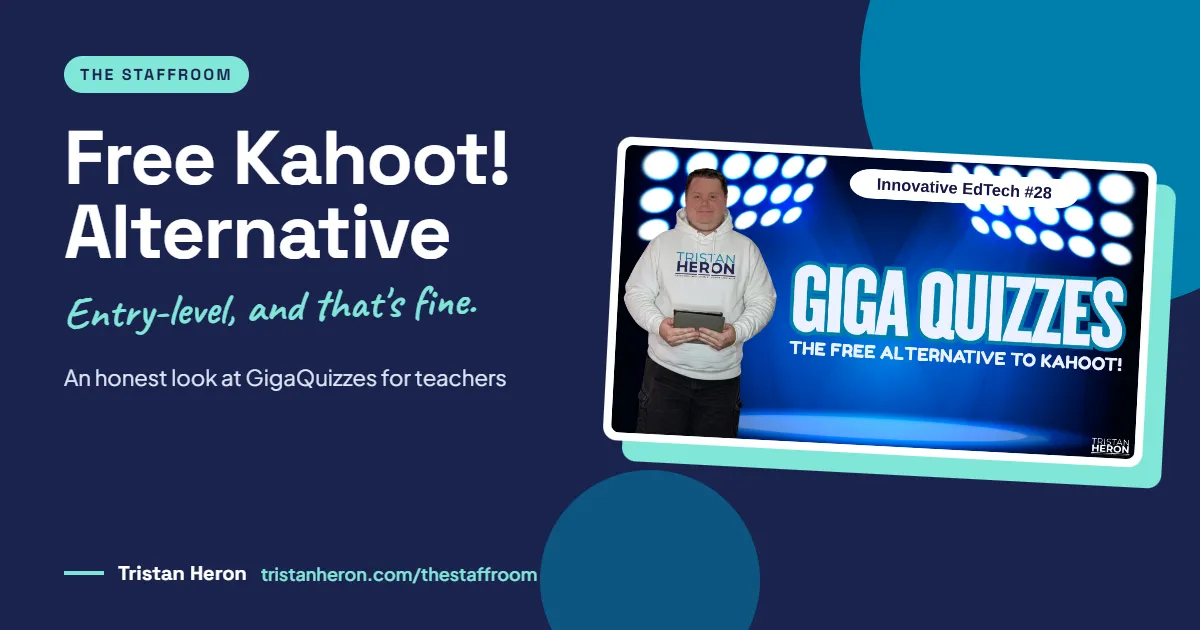
Free Kahoot! Alternative for Teachers: An Honest Look at GigaQuizzes
Kahoot! is brilliant. I've used it for years, since back when it was a simple quiz tool. But it's grown, and so have its plans and price tags.
Not every teacher can pay for every tool. So when I spotted GigaQuizzes, a free Kahoot alternative, in a teacher Facebook group, I took it for a live test drive on Innovative EdTech. Here's what it does well, where it's still basic, and who it suits.
Why look for a free Kahoot alternative at all?
I caught a news segment recently where a technology commentator made a point that stuck with me: a lot of classroom tools are built by companies, not educators, and they're built to sell.
That's worth remembering. New tools arrive every day, and not all of them are in our students' best interests.
What drew me to GigaQuizzes is that it focuses on something that genuinely matters in our classrooms: engagement through gamification. Bringing game elements like points, speed and leaderboards into learning so every student can take part and feel like they can achieve something.
And Kahoot! has changed a lot. AI features, new reports, and a range of plans and pricing tiers. I'm not knocking it. I still love it. But if you can't justify another subscription, a free option that does the core job is worth knowing about.
What is GigaQuizzes?
GigaQuizzes (gigaquizzes.com) is a free, live, multiplayer quiz platform for creating and playing interactive trivia games. It's open to anyone, and players don't need to sign up or download anything.
It describes itself as Kahoot!-like, not a Kahoot! replacement. That's a fair description.
Here's my car analogy. If Kahoot! is the mid-range to luxury model, with years of serious investment behind it, GigaQuizzes is the entry-level car. It's bare bones and it won't wow you with polish. But it gets you where you need to go.
It's built for classrooms, staff meetings, school community nights, and even trivia night at home.
How does GigaQuizzes work?
The process will feel familiar to anyone who's used Kahoot!, Blooket or similar gamified quiz tools:
Build your quiz. Sign in and create a set of questions.
Host your game. Display it on a projector, TV or laptop. You'll need a host screen, and players need devices.
Players join instantly. They go to gigaquizzes.com and enter a room code, or scan a QR code. No accounts needed.
Play, score, reveal. Questions appear on the host screen, players answer on their devices, and a live leaderboard updates after every round.
One thing to know before you start: teacher sign-in is Google-only at the moment. If you don't have a Google account, you'll need to create a free one.
What can you do inside GigaQuizzes?
Set your defaults
In your profile you can set your display name, avatar, language, light or dark mode, and game defaults: time per question, points per question, mini games, randomised questions and nickname filtering. You can also allow others to send you sets, and create up to five channels to publish quizzes under.
Build a quiz set
GigaQuizzes calls a quiz a set. The editor will look very familiar: questions down the left, a display area in the middle, and options for timer, points, images and an explanation for each answer.
You can add questions manually, pull them from the Discover library, or generate them with AI.
For the demo I asked the AI for 10 single-answer multiple-choice questions on facts about Australia. It even added images. I checked each one, and the ones I reviewed were accurate (yes, the capital is Canberra, not Sydney or Melbourne).
Always check what AI generates before your students see it. That rule doesn't change because a tool is free.
You can also preview each question as players will see it before you go live.
Host a game
When you hit Host, you choose a game mode:
Classic: the standard quiz format
Hacker: a game mode that will look familiar if your students know Blooket
Teams: splits players into teams, and works with Classic or Hacker
You can also randomise questions and filter nicknames for each game.
Here's the bit I was glad I found. Questions auto-advance by default, which keeps the pace high but leaves no time to talk. In my classroom, the discussion after a question is often where the learning happens. Why did five people pick option A?
Click the lock icon next to Next Question to switch off auto-advance. Then you control the pace and can unpack answers with the class.
Trying to work out which free tools are worth your time, and which ones will just add another login to your week? That's exactly what we sort through together inside the Empowered Educator Hub.
Check the reports
This genuinely impressed me. After each game you get a detailed report showing what each player answered and the questions the class got wrong. You can export it as a ZIP file.
If you want to use the data as assessment evidence, ask students to join with their real names instead of nicknames.
Use groups
Under Manage Groups you can create class or table groups and invite students with a QR code. Points build up over time, there's a group leaderboard, and you can assign homework.
Ways I can see this working:
A long-running class or year-group competition in primary
Table group challenges across a term
Pre- and post-assessment quizzes to track growth
Small groups at a workshop or PD session competing for the title
Discover, print and import
The Discover library has ready-made sets you can add to your library and edit. Right now it's small. When I tested it, only eight sets were available.
You can also submit your own sets to Discover. Read the terms first: sets need approval, anyone can use and edit them, you can't remove them yourself once published, and GigaQuizzes may publish translations with your name on them.
Two more handy options:
Export to PDF for students without devices. It's not the prettiest PDF, but it's printable.
Import a PDF to turn an existing quiz into a set. I haven't tested this one yet.
What are the benefits of GigaQuizzes?
Up to 500 players per game. Big enough for a whole cohort, a staff meeting or a parent information night.
Up to 100 sets with up to 100 questions each.
Nothing to download. Players join by link or QR code.
11 question types, including multiple choice, true/false, open answer, matching, ordering, hotspot and number line. On some platforms, extra question types sit behind paid plans.
Detailed reports after every game.
Private by design. GigaQuizzes says games run device-to-device with end-to-end encryption, so answers, nicknames and scores don't pass through its servers. Check this against your school or system's requirements before using it with students.
Free. As of September 2026, creating sets and hosting games costs nothing.
What are the limitations of GigaQuizzes?
Being honest about this matters:
It's basic. The interface is functional, not flashy. Students will notice it's not Kahoot!. Kids are smart.
The Discover library is tiny for now, so expect to build most sets yourself or with the AI.
Teacher login is Google-only.
You still need devices, one host screen plus a device per player.
It's new. I haven't used it with a class yet, and new tools can change features or pricing.
None of these are deal-breakers for a free tool. They just set realistic expectations.
Key Takeaways
GigaQuizzes is a genuine free Kahoot alternative for live, gamified quizzes.
It's entry-level, and that's fine. It covers the core job without the cost.
Lock auto-advance if you want time to discuss answers.
Use real names if you plan to use the reports as assessment evidence.
Check AI-generated questions every time.
Start with one quiz in one class before building a whole bank of sets.
Frequently Asked Questions
Is GigaQuizzes really free?
Yes. As of September 2026, creating sets and hosting games is free. Check gigaquizzes.com for any changes.
Do students need an account to play GigaQuizzes?
No. Students join at gigaquizzes.com with a room code or by scanning a QR code. No sign-up or app download is needed. Teachers sign in with a Google account to create and host.
How many players can join a GigaQuizzes game?
Up to 500 players per game, which makes it suitable for whole cohorts, staff meetings and school events.
How is GigaQuizzes different from Kahoot!?
The core experience is very similar: host screen, player devices, points and a live leaderboard. Kahoot! is far more polished and has a much bigger library of ready-made quizzes. GigaQuizzes is simpler, but it's free.
Can I use GigaQuizzes for formative assessment?
Yes. Each game produces a detailed report showing individual answers and the questions the class found hardest. Ask students to use their real names so you can match results to students.
Want help building a toolkit that actually works for you?
You don't need to use every new tool. You only need the right ones for your classroom, and someone to filter the noise for you.
The Empowered Educator Hub is our monthly membership academy, packed with courses, resources and practical support to help you use EdTech and AI with confidence, one step at a time.
Join the Empowered Educator Hub: www.tristanheron.com/hub
Want to see the full live demo? Watch Episode 28 and every other Innovative EdTech episode on YouTube. More honest tool reviews live in The Staffroom.
Tristan